
Preview Course
GH₵ 500
Course Details
- 4.8 (5.7K Reviews)
- 13 Courses
- 10 Assignments
- Last Update: 13 August 2026
Power Automate Training
The Power Automate Training program is designed for Business Analysts, Operations and Admin professionals, Excel and Microsoft 365 power users, IT professionals, and citizen developers who want to automate repetitive tasks and business processes. Participants only need basic computer literacy and familiarity with Microsoft 365 applications, with no prior programming experience required.
The training provides hands-on experience with Power Automate, Excel Online, SharePoint, Outlook, Teams, Forms, and Power BI through a dedicated Microsoft 365 training environment. No local software installation is required, as participants can work using a modern web browser.
Assessment includes practical hands-on labs and daily interactive activities, followed by a Day 3 capstone automation project focused on workflow robustness, error handling, and documentation. Participants who complete all three days, including the capstone, receive the stratIQ Power Automate Developer Certificate of Completion affiliated with the Centre for Business Analytics (CBA).
- Business Analysts, Operations, and Admin professionals looking to automate repetitive tasks
- Excel/Office power users moving into low-code process automation
- IT professionals and citizen developers supporting departmental automation requests
- SharePoint, Teams, and Power BI users who want to trigger actions from their existing tools
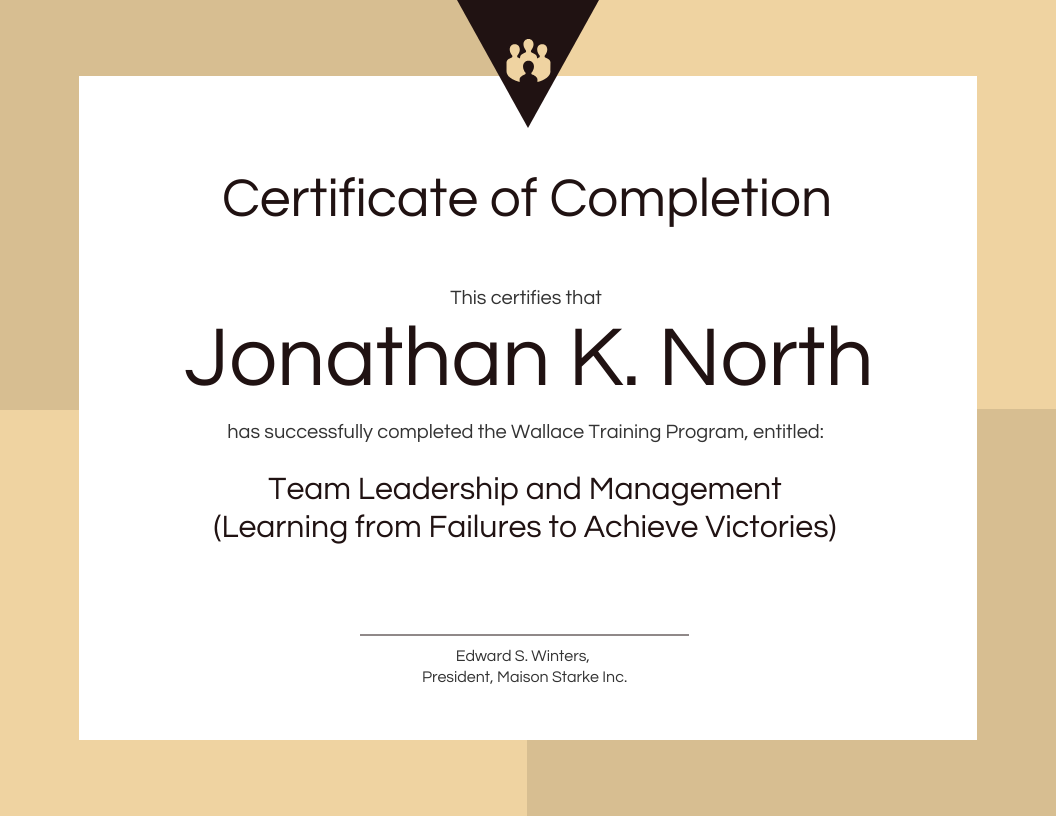
Earn your Certification
Participants who complete all three days, including the capstone presentation, receive the stratIQ HR Analytics & Dashboard Design Practitioner Certificate of Completion affiliated with Centre for Business Analysis (CBA).
- Basic computer literacy and familiarity with Microsoft 365 apps (Outlook, Excel, Teams)
- No prior programming experience required — variables, conditions, and expressions are taught from first principles
- Access to a Microsoft 365 / Office 365 licence (provided via a training tenant for the duration of the course)
- Power Automate (cloud), provided via a training tenant
- Microsoft Excel Online, SharePoint Online, Outlook, Teams, and Forms (provided via lab tenant)
- Power BI Desktop and Power BI Service (for the Power BI Desktop Flows content)
- A modern web browser — no local software installation required